
Holiday calendars
A holiday calendar is a country’s set of public holidays. Link one to an employee and those holidays drop out of their billable days, so a holiday-heavy month shows lower time-based revenue while their salary stays flat. It is how StaffMargin keeps margin honest about the days people can actually bill.
What the Holiday calendars page shows
Section titled “What the Holiday calendars page shows”The page lists each calendar with the country it covers and how many holidays it holds.
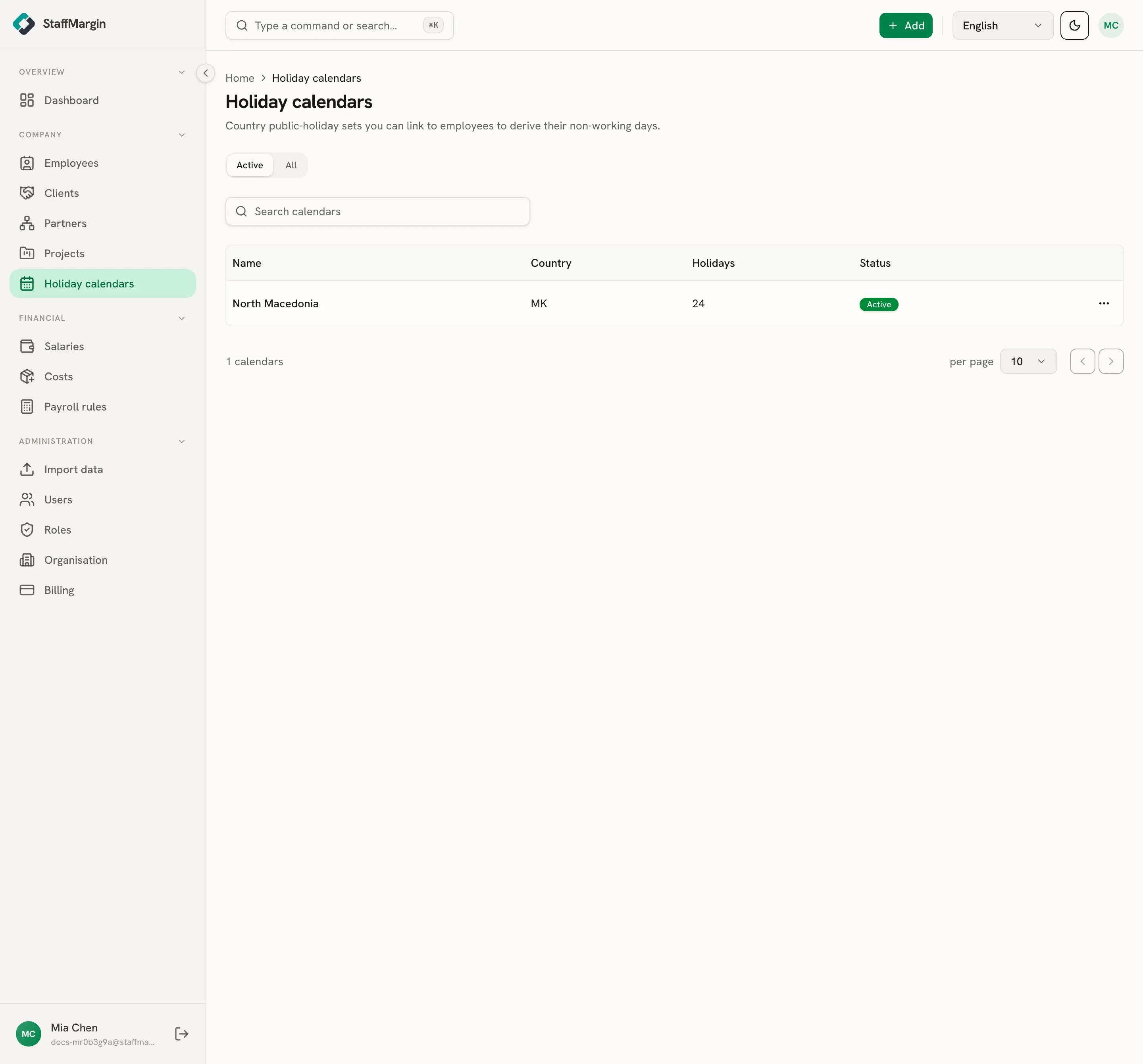
The columns are the Name, the Country, the Holidays count, and the Status. Filter by active or archived from the top.
Creating a calendar and adding holidays
Section titled “Creating a calendar and adding holidays”Add a calendar from + Add, then Add holiday calendar. Give it a name and a country code. A new calendar starts empty, so the next step is to fill it.
The fastest way is Import from provider: pick a year and StaffMargin pulls that country’s public holidays for you, skipping any dates already there. You can also add or edit individual holidays by hand for a one-off or a regional day.
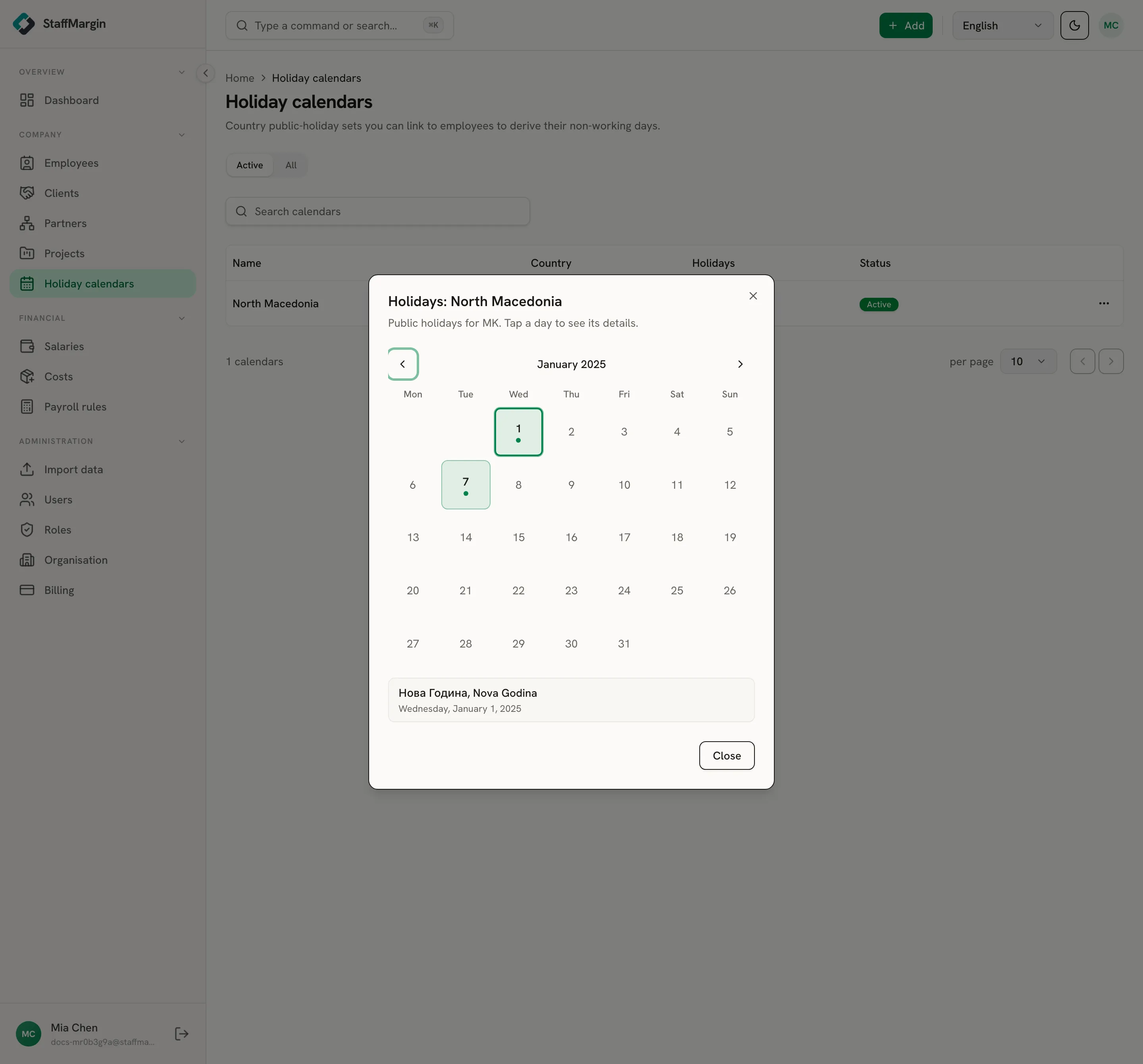
View holidays opens the calendar as a month grid, so you can see and check the dates at a glance. Import each year as it is published to keep the calendar current.
How holidays reach margin
Section titled “How holidays reach margin”A linked calendar changes one thing: the number of billable days in a period. StaffMargin counts the working days in a month, then removes the public holidays that fall on a weekday. Time-based revenue, like a daily rate, is figured on the days that remain, so a month with two holidays bills two days less.
Salary does not move with holidays, only revenue does, which is the honest treatment: you still pay people on a public holiday, you just cannot bill a client for it. A project can override this with Bill public holidays when an engagement is a flat monthly fee. See how margin is calculated and projects.