
Import data
Import data bulk-loads your records from CSV files, so you can move an existing team and book of work into StaffMargin in minutes. You import one kind of record at a time, in a sensible order.
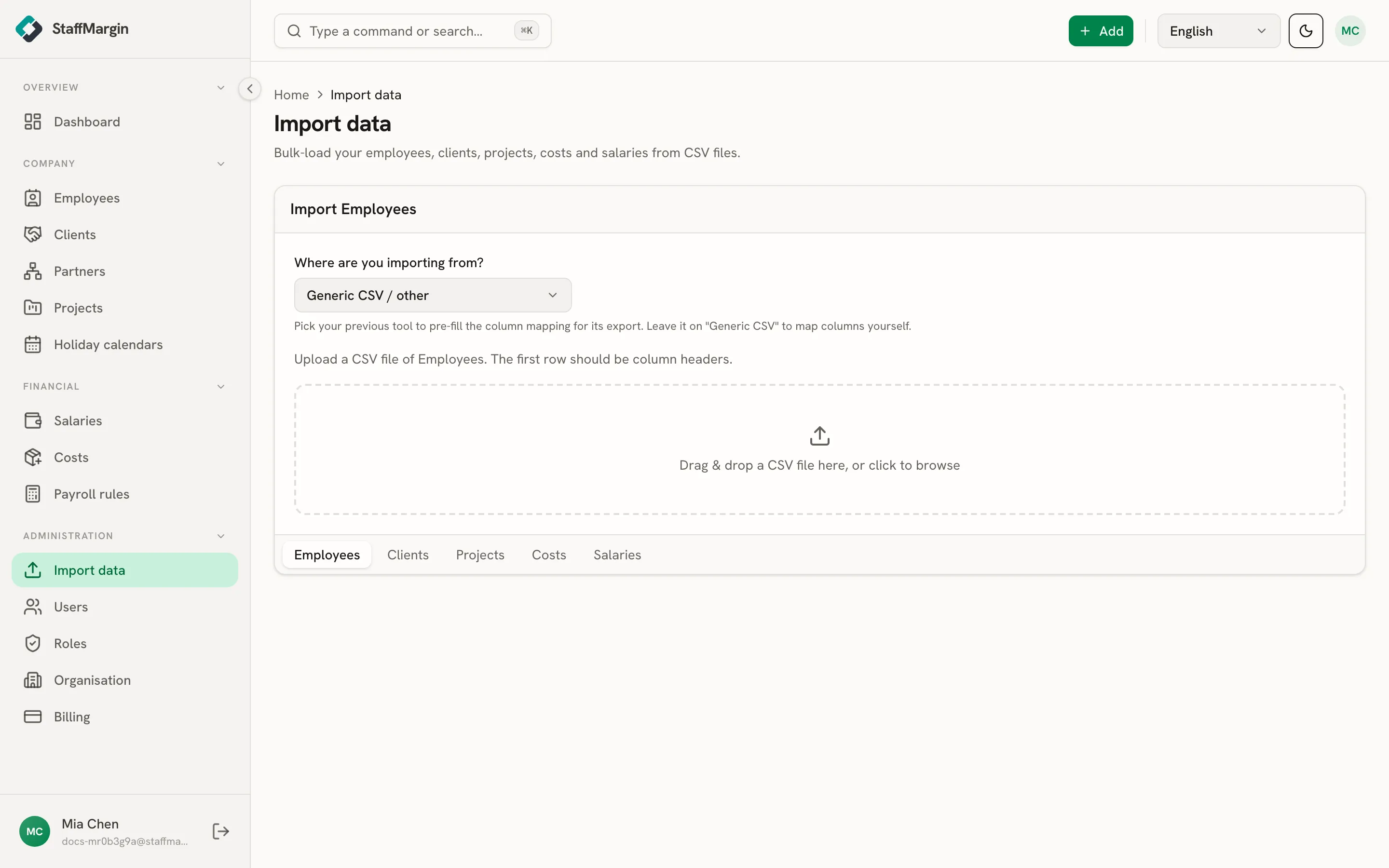
What you can import
Section titled “What you can import”You can import five kinds of record, each from its own CSV:
- Employees, Clients, and Projects, the things you bill.
- Costs and Salaries, the figures behind margin.
Import in that order where you can, because the later records reference the earlier ones. Projects belong to clients, and salaries and cost allocations attach to employees, so loading people and clients first means the links resolve.
How an import works
Section titled “How an import works”Pick the kind of record, tell StaffMargin which tool you are exporting from so it can pre-fill the column mapping (or leave it on generic CSV to map the columns yourself), then upload a CSV whose first row is the column headers. StaffMargin reads the file, checks it, and reports what it loaded and what it could not, row by row, so a bad row is flagged rather than silently dropped. Fix the flagged rows in your file and import again. Rows that already exist are left alone, so a re-import is safe.