
Clients
Clients are the customers you bill. You record each one with its billing details, then run projects under it. Revenue and margin roll up per client, so you can see which customers actually pay.
What the Clients page shows
Section titled “What the Clients page shows”The page lists each client with the details you bill against.
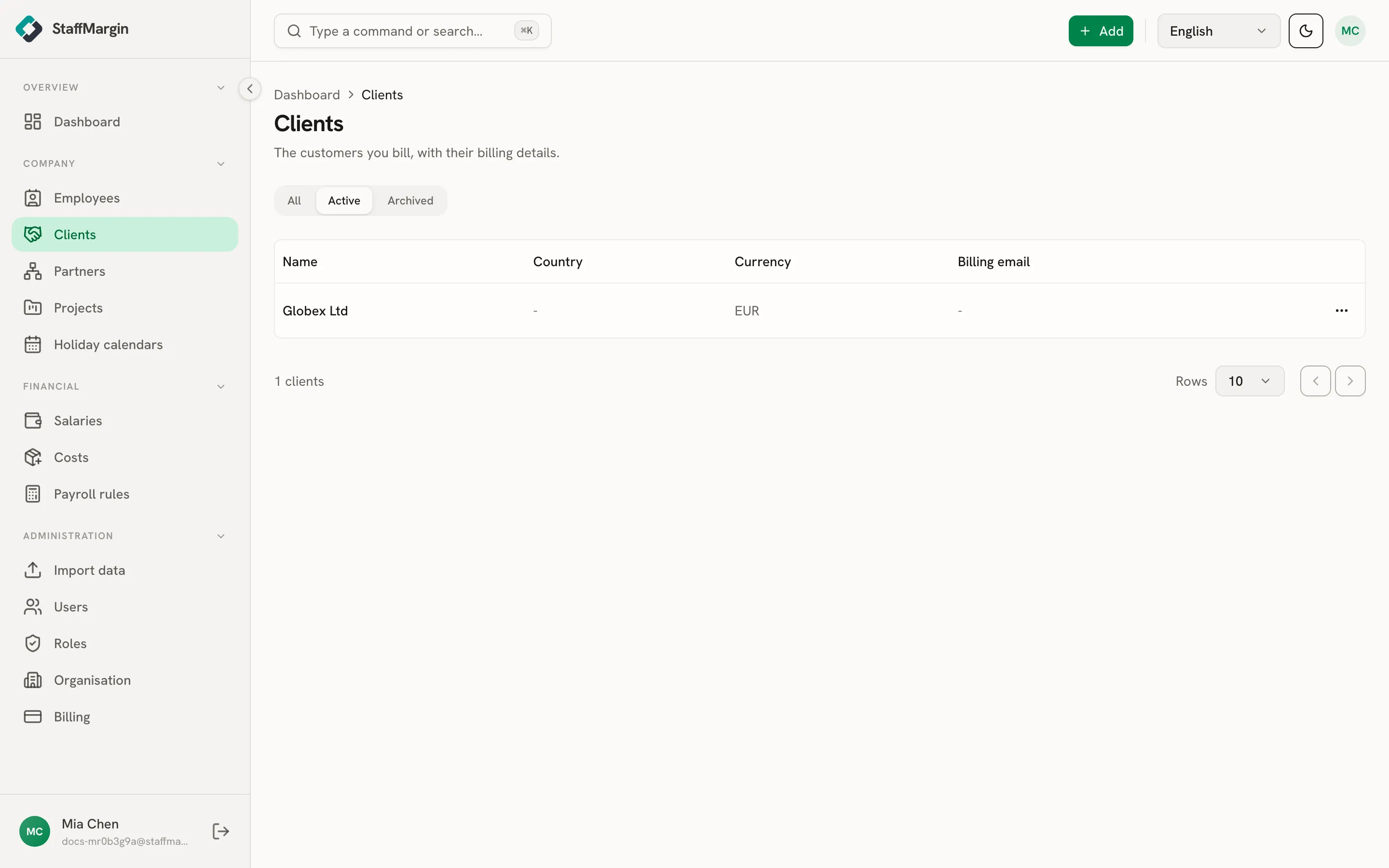
The columns are the Name, the Country, the Currency, and the Billing email. Filter by active or archived from the top.
Adding a client
Section titled “Adding a client”Add a client from + Add, then Add client. The name is the only required field. Everything else is there when you have it:
- Default currency is the currency you usually bill this client in. Each project still sets its own billing currency, so this is a convenience, not a constraint.
- Country, billing email, tax ID, address, and website are billing and contact details for your own records.
A client’s projects
Section titled “A client’s projects”Open View projects on a client to jump to the Projects page filtered to that client. You see every project under it, its status, and how many people are billing on it.
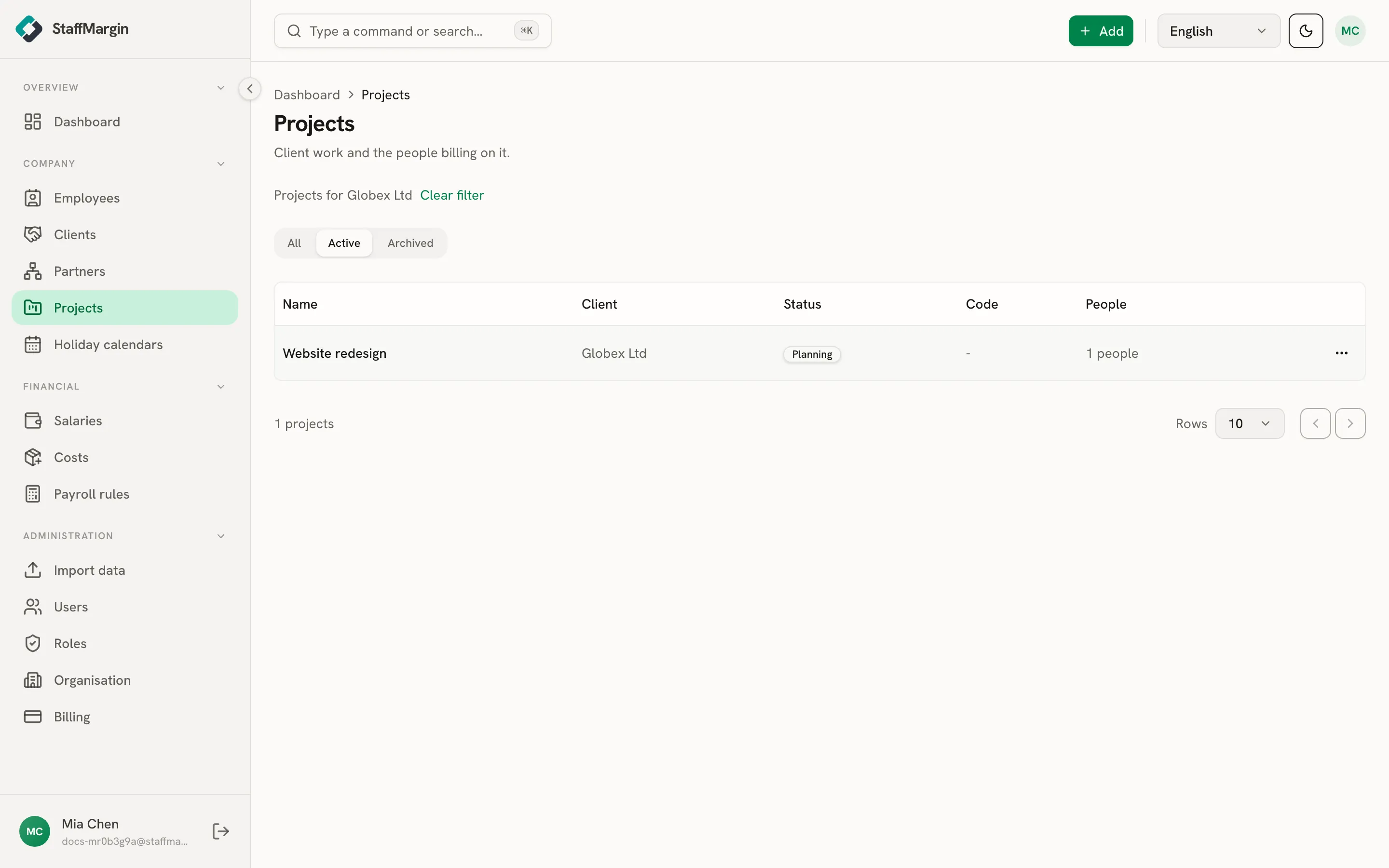
It is the fast way to go from a customer to the work you do for them, then into any project to see who is on it.
Client margin
Section titled “Client margin”Client margin is a roll-up, not a number you enter. Each client’s revenue and margin are the sum of its projects, and each project’s are the sum of the people assigned to it. On the dashboard, switch the view to clients to rank every customer by margin in your one reporting currency, even when they bill in different currencies. See multi-currency and historical rates.