
Organisation settings
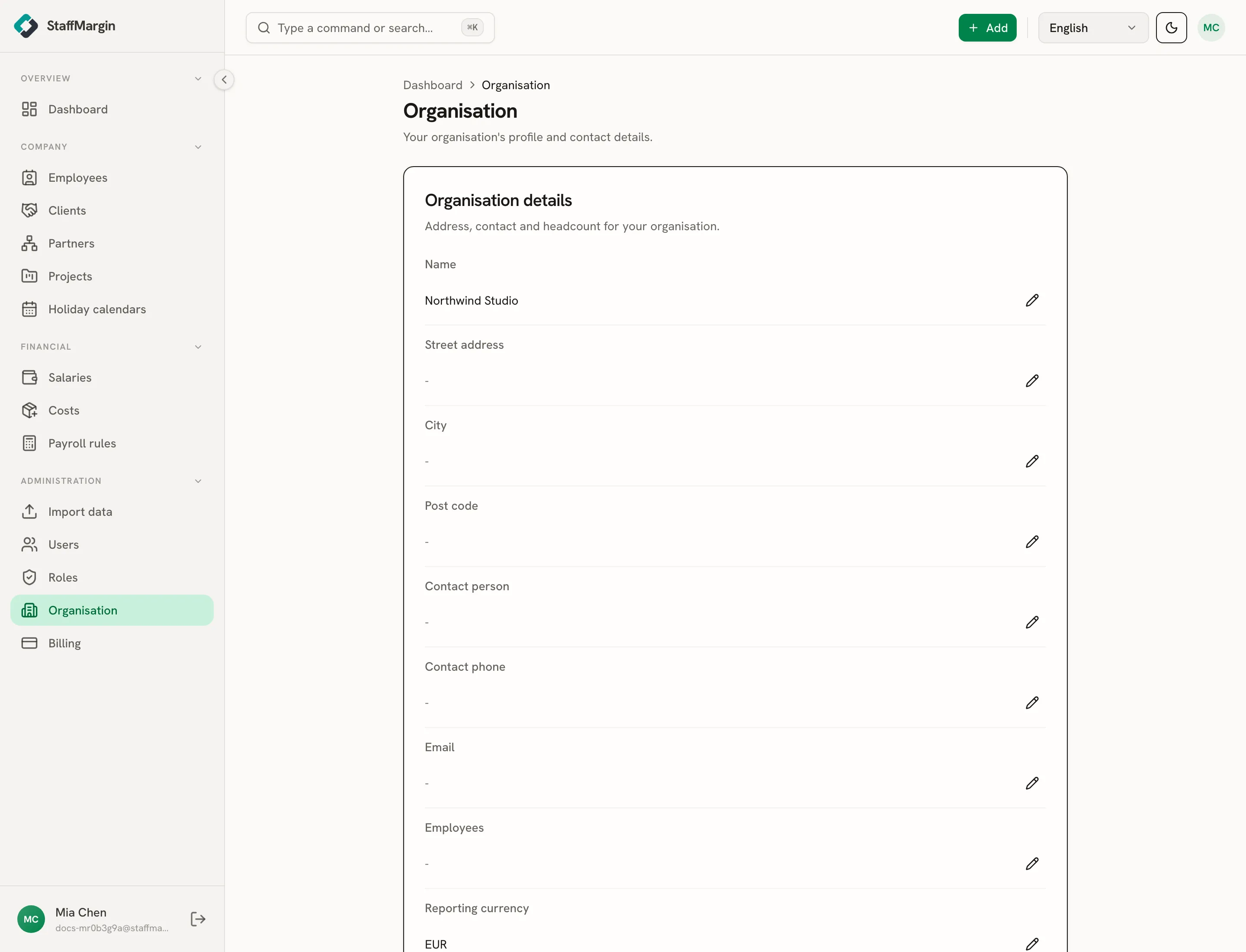
Organisation settings holds your workspace’s profile: its name, contact details, and the reporting currency the dashboard defaults to. These are workspace-wide, so they affect everyone, and editing them needs full access to the Organisation area.
What you can set
Section titled “What you can set”- Name is your organisation’s display name, shown in invites and around the app.
- Reporting currency is the default currency the dashboard reports margin in. Each user can still switch the view, but this is the starting point. See multi-currency and historical rates.
- Contact details: a contact person, phone, email, and a street address, city, and post code, for your own records and on documents.
- Employees records your headcount for context.
Who can edit it
Section titled “Who can edit it”Organisation settings are workspace-wide, so only a role with full access to the Organisation area can change them. Everyone else with read access can view the profile. See roles and permissions.
Related
Section titled “Related”FAQ
What is the reporting currency?
The default currency the dashboard reports margin in. Each user can switch the view, but this sets the starting point for the whole workspace. See multi-currency and historical rates.
Who can change organisation settings?
Only a role with full access to the Organisation area. Other roles with read access can view the profile but not edit it. See roles and permissions.
Does changing the reporting currency rewrite my data?
No. It only changes the default the dashboard converts into. Your salaries, costs and billing keep their own currencies. See multi-currency and historical rates.